How to Use This Word Counter
This tool is designed as a complete writing control panel, not just a simple counter. Follow this sequence to get the strongest results from every draft:
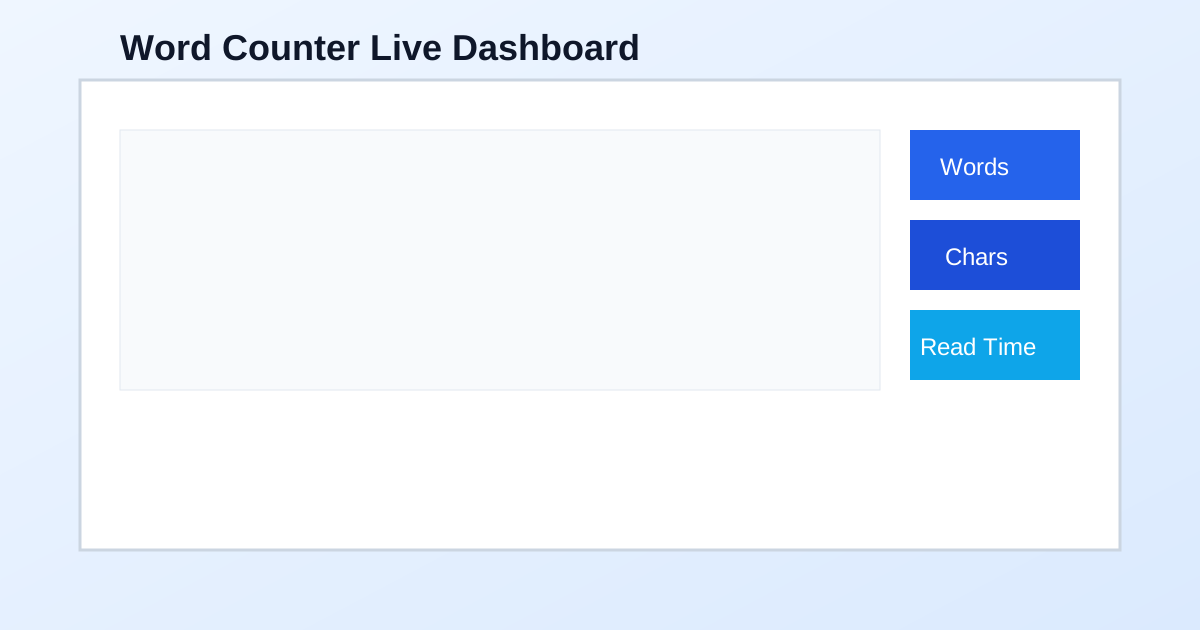
Type or paste text here
Paste your draft into the main editor. Metrics update live as you write.
Run check
Launches grammar and spelling analysis. Issues are highlighted directly in context.
Apply all suggestions
Applies available grammar replacements in one pass for quick baseline cleanup.
Improve Writing
Uses Gemini to rewrite for clarity, flow, and stronger readability.
Fix Grammar
Uses Gemini for correctness-focused proofreading with minimal style drift.
Make it SEO-friendly
Uses Gemini to reframe structure and phrasing for better search intent alignment.
Select all and Copy
Select and copy the current full editor content instantly.
Clear
Resets the editor for a new draft.
Load demo text
Inserts sample content for quick testing.
Copy summary and Copy stats JSON
Export a concise report or structured data for workflows, QA, and handoffs.
Word Counter: The Complete Guide to Better Writing and SEO
A professional word counter does much more than counting words. It helps you evaluate depth, readability, keyword distribution, and publishing readiness before your content goes live. If your editorial process depends on quality and speed, these metrics should be part of every revision cycle.
Whether you publish blog posts, landing pages, product copy, reports, or technical documentation, this word counter gives immediate feedback so you can make high-confidence decisions early, not after multiple review rounds.
Why Word Count Still Matters in Modern SEO
Search engines do not rank by length alone, but word count strongly correlates with topical depth. Thin pages often fail because they leave intent unanswered, while well-structured long-form pages tend to earn stronger engagement and better ranking durability.
A disciplined word counter workflow helps you match length to intent:
- Short commercial pages: concise, conversion-driven structure.
- Mid-length explanatory pages: clear answers with practical detail.
- Long-form guides: full topic coverage, examples, and strategic internal linking.
For technical and data-backed topics, internal links improve topical authority. Relevant references include Loan Calculator and Investment Calculator, especially when your article includes scenarios with numbers, projections, or comparison logic.
Character Count and SERP Control
A strong word counter also protects your search snippet quality:
- Title tags usually perform best around 50 to 60 characters.
- Meta descriptions often work best around 120 to 158 characters.
- Character checks reduce truncation risk on both desktop and mobile search results.
Most CMS interfaces do not reliably block overlong snippets. Running your metadata through a word counter before publishing is a low-effort habit that improves click-through consistency.
Readability and Rhythm: The Conversion Layer
Content can be accurate and still underperform when reading friction is high. Long unbroken paragraphs, overly dense syntax, and repetitive sentence patterns increase cognitive load and reduce retention.
Use your word counter metrics to enforce readability standards:
- Keep average sentence length controlled for your audience.
- Break long paragraphs to improve scanability on mobile.
- Use natural pacing: short, medium, and occasional long sentences for rhythm.
- Re-check rhythm after each major AI or grammar pass.
For health and educational content, combine readability discipline with context accuracy by linking to useful tools such as the BMI Calculator. This strengthens both user experience and internal topical structure.
Keyword Density Without Keyword Stuffing
Keyword density should act as a quality signal, not a repetition target. A trustworthy word counter helps you find balance:
- If the target term appears too rarely, relevance may be weak.
- If repetition is excessive, readability and trust decline.
- Supporting vocabulary often improves semantic coverage and user clarity.
Use the primary keyword naturally in high-value positions (title, opening, key headings, image alt, conclusion), then support it with contextual language. This produces durable SEO outcomes compared with forced exact-match repetition.
A Practical Editorial Loop for Teams
Use this repeatable process with your word counter to reduce revision cycles:
- Draft quickly without over-editing.
- Check baseline metrics (words, characters, sentences, reading time).
- Run grammar check and apply critical fixes.
- Run one AI mode based on objective (clarity, correctness, or SEO).
- Re-check keyword balance and readability.
- Export summary or JSON for QA logs, stakeholder handoff, or version notes.
This loop improves speed while preserving control. Each stage has a clear purpose, which makes collaboration easier across content, SEO, and review teams.
Benchmark Ranges by Content Type
Content Type
Typical Word Range
Social post or short caption
40-120 words
Product description
150-350 words
Standard blog post
1,000-2,000 words
In-depth guide or pillar page
2,500-5,000+ words
Email newsletter
200-700 words
Treat these as planning ranges, not fixed rules. Your word counter should be used together with intent analysis and competitor benchmarking for the specific query you target.
Internal Linking as a Ranking Multiplier
Internal links do more than improve navigation. They strengthen crawl paths, reinforce semantic relationships, and guide users into deeper sessions. In content clusters, this can materially improve engagement and indexation quality.
For this tool, a practical internal-link map includes:
A strategic word counter article should include internal links where they add real reader value, not only for crawler signals.
On-Page SEO Checklist
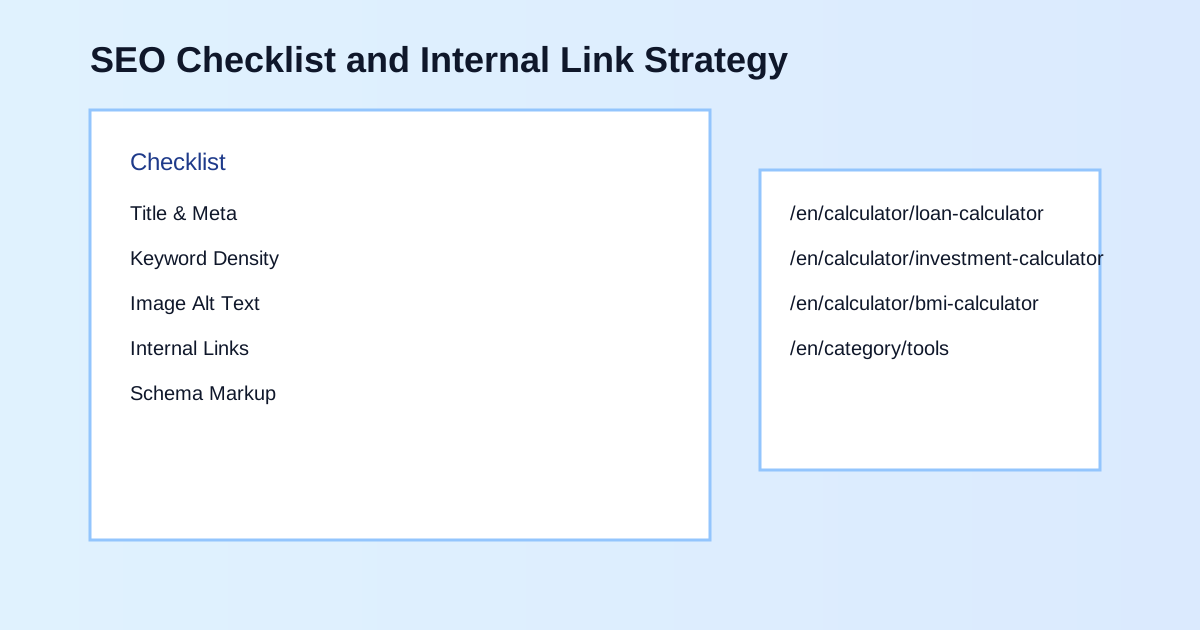
Use this checklist before publishing (major groups first, then detail items):
- Snippets and headings
- Title tag: clear intent and primary keyword near the front.
- Meta description: concise value proposition with natural keyword use.
- H₁ and heading structure: one H₁, logical H₂/H₃ hierarchy.
- Content depth and readability
- Word count: appropriate depth for target intent and competition.
- Keyword density: natural distribution; avoid repetitive stuffing.
- Readability: short paragraphs and controlled sentence complexity.
- Links, media, and technical
- Internal links: contextual links to relevant calculators or category hubs.
- Image SEO: descriptive alt text that includes the keyword naturally.
- Schema opportunities: FAQ/HowTo where editorially relevant.
- Mobile pass: snippet length and paragraph scanability verified.
Final Takeaway
The best word counter workflow combines measurement, correction, and optimization in one place. When you consistently run metrics, grammar checks, AI refinement, and SEO checks before publishing, content quality rises while review time falls.
If your goal is to publish faster without lowering standards, use this word counter as a mandatory pre-publish quality gate.